Home Office Design Ideas That Actually Boost Focus
Home Office Design Ideas: What I Learned After My Beautiful Office Made It Impossible to Focus
I designed my home office almost entirely around how it would look on video calls, positioning my desk facing a gorgeous bookshelf backdrop and choosing furniture based on what photographed well. Within the first week of actually working there full time, I realized I’d built a room that looked great in meetings and was genuinely difficult to concentrate in, with glare on my screen most of the day and zero consideration for how I actually work.
It took rearranging almost everything, and rethinking my priorities entirely, before that same room became somewhere I could actually focus instead of just somewhere that looked nice behind me on Zoom. Here’s what I learned designing a home office that works for actual productivity, not just appearances.
A Home Office Has to Function First, Look Good Second
My original approach prioritized the visual backdrop over literally everything else, including basic things like screen glare and natural light direction. What I learned is that a home office genuinely needs to solve for focus and comfort first, with the aesthetic choices layered on top of a functional foundation, not the other way around.
Once I flipped that priority order, my redesign addressed problems my original setup never considered.
My Mistake: Facing My Desk Toward a Window With Direct Glare
My original desk faced a large window for natural light, which sounds reasonable until you’re staring at a laptop screen with sun glare washing out half the display for several hours each afternoon. I spent months squinting and adjusting blinds constantly instead of just fixing the actual layout problem.
I turned my desk perpendicular to the window instead of facing it directly, which eliminated the glare entirely while still keeping plenty of natural light in the room. That single repositioning solved a problem I’d been fighting with adjustable blinds for months.
Step-by-Step: Designing a Home Office That Actually Supports Real Work
1. Position your desk perpendicular to windows, not facing them directly
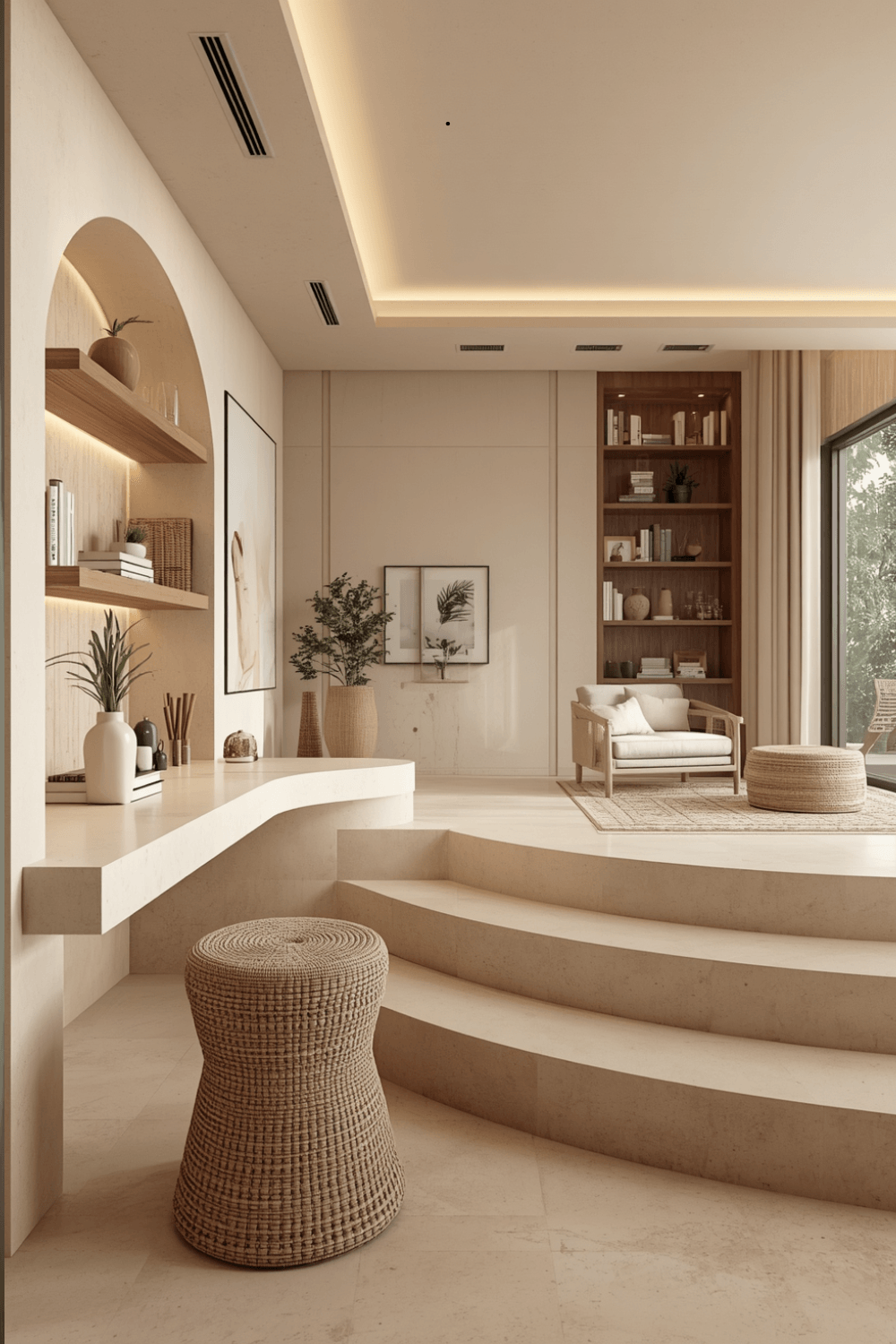 I now specifically avoid facing a desk straight toward a window, since it almost always creates screen glare during at least part of the day. Perpendicular positioning lets natural light in without it directly hitting your screen.
2. Invest in a genuinely supportive chair before anything decorative
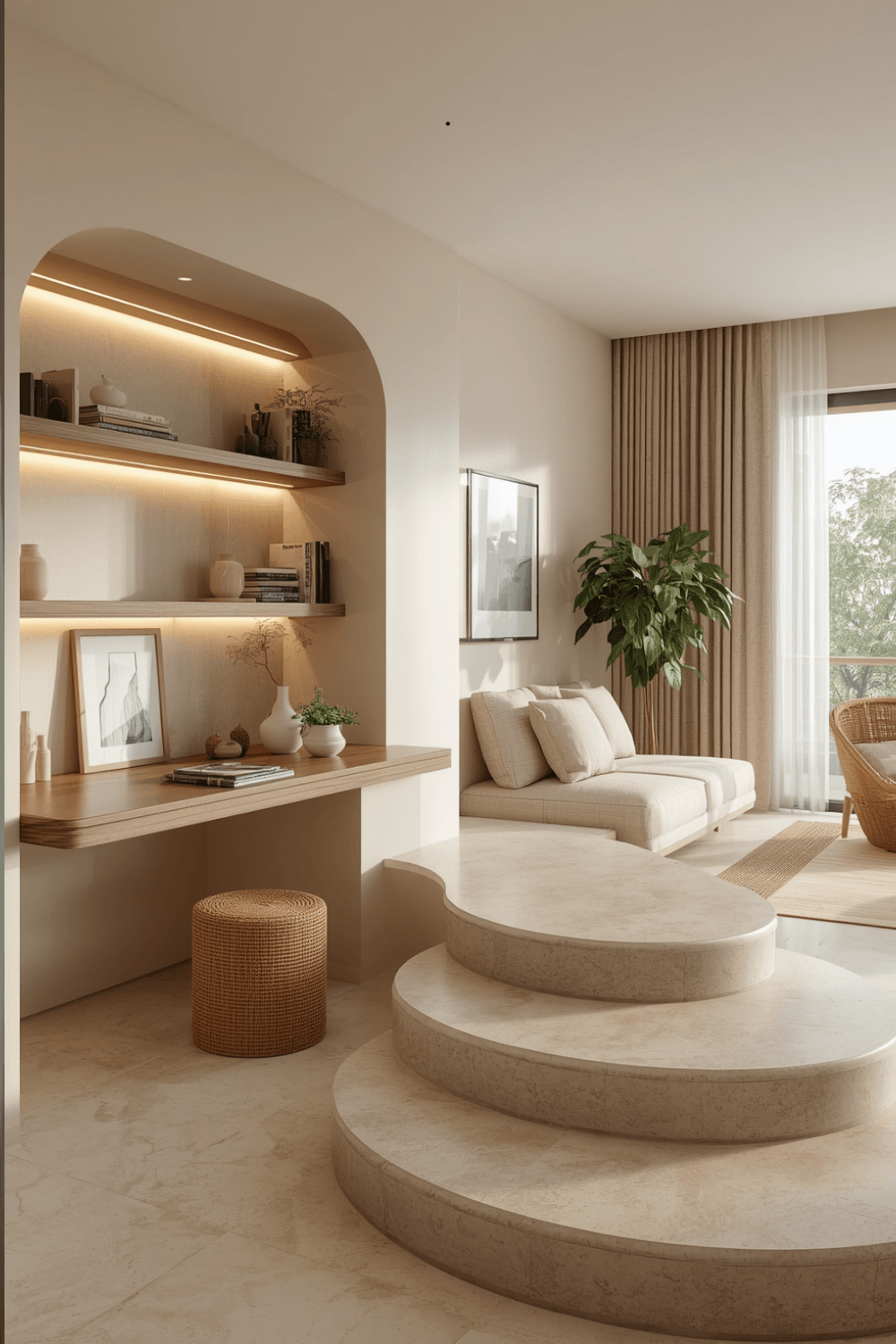 I upgraded from a stylish but flat, unsupportive chair to one with actual lumbar support and adjustable height, which made a noticeably bigger difference in how I felt after a full workday than any of my original decorative choices. Comfort during actual extended sitting matters more here than in almost any other room.
3. Add task lighting separate from general room lighting
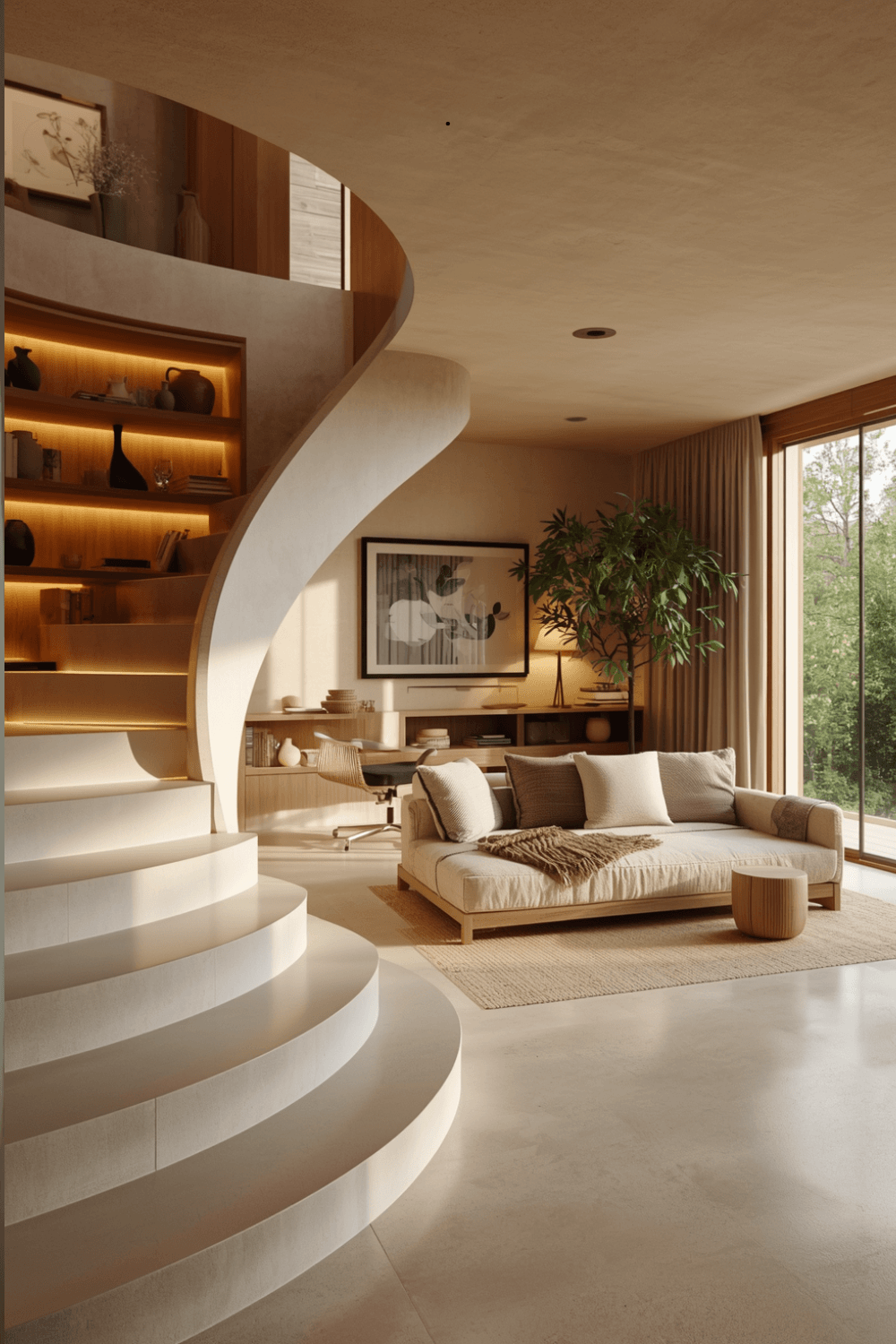 I added a small adjustable desk lamp specifically positioned to reduce eye strain during evening work, rather than relying only on my room’s overhead fixture. Task-specific lighting genuinely reduces fatigue during long work sessions in a way general ambient lighting alone doesn’t achieve.
4. Choose a desk size that matches your actual equipment needs
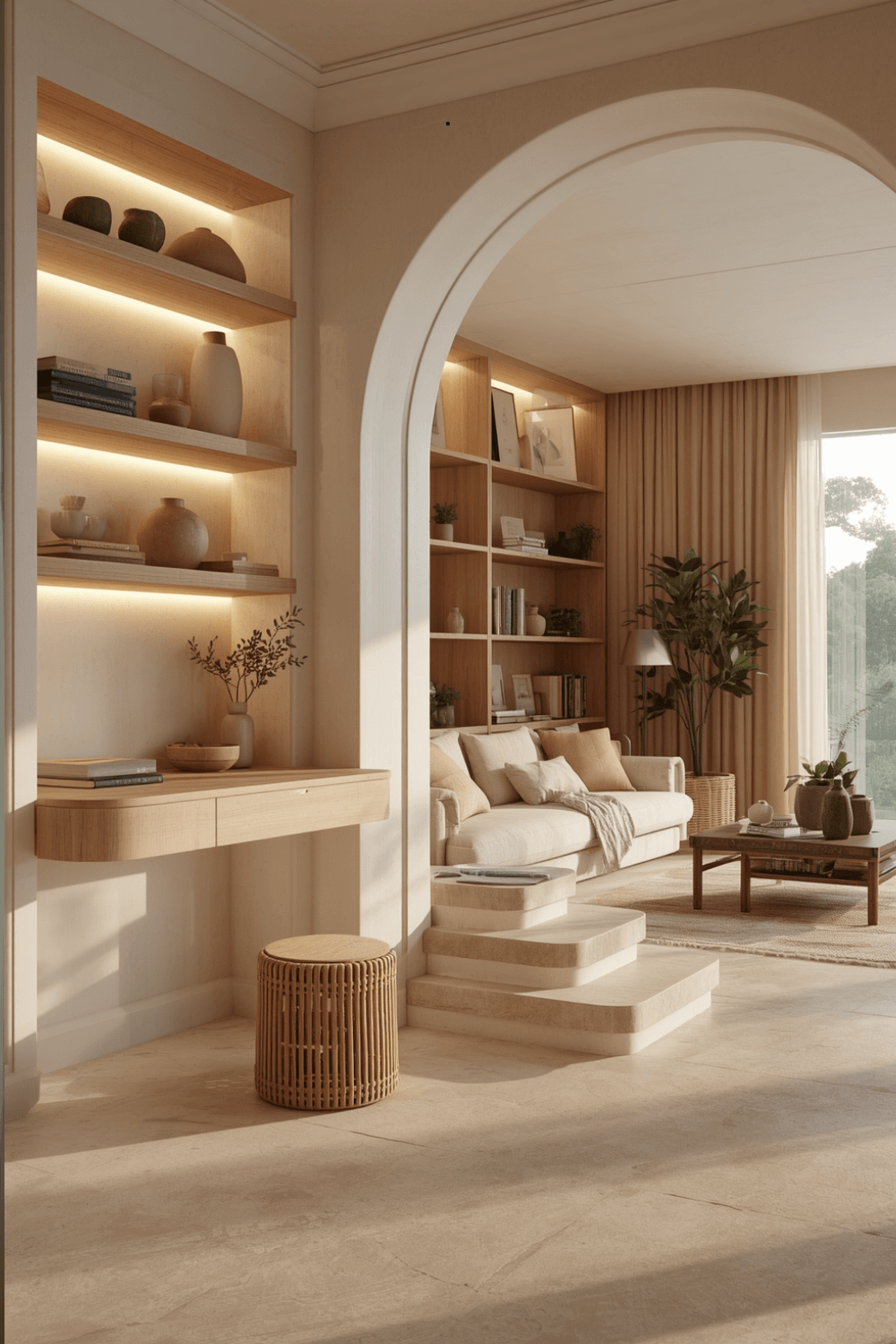 I swapped my original narrow desk for one with enough surface area for my monitor, laptop, and notebook simultaneously, since my original setup left me constantly shuffling items around for space. Measuring your actual daily equipment before choosing desk dimensions prevents this kind of ongoing frustration.
5. Add closed storage for anything that doesn’t need to be visible during calls
I added a small filing cabinet with closed drawers specifically for paperwork and supplies that don’t need to be on display, keeping my visible desk surface and shelving intentionally curated instead of cluttered with everyday office supplies. That distinction between what’s genuinely needed on display versus what just needs storage made a real difference in how the room both looks and functions.
6. Consider your video call background separately from your actual desk setup
Once my functional layout was solved, I added a curated shelf specifically positioned in my camera’s background for video calls, separate from my actual working desk area. Solving for both needs separately, rather than trying to force one setup to handle both, meant neither function compromised the other.
7. Add a plant or two for genuine mood benefit, not just decoration
I added a low-maintenance snake plant on my windowsill, which research on workspace environments consistently associates with improved mood and reduced stress during work. It’s a small, low-effort addition that adds real benefit beyond pure decoration.
Real Examples From People I Know
A friend working from a genuinely small apartment converted a closet into her home office, adding a fold-down desk, a small task lamp, and closed shelving above for supplies. Because she prioritized function within that tiny footprint over trying to create an impressive open room, it’s become one of her most productive spaces despite the limited size.
Another friend added a standing desk converter to her existing desk setup instead of buying an entirely new piece of furniture, which let her alternate between sitting and standing throughout the day without a full office overhaul. She says it’s made a genuinely noticeable difference in how she feels by the end of a long workday.
Common Mistakes to Avoid
Positioning your desk directly facing a window. It almost always creates screen glare that undermines actual focus during work hours.
Prioritizing decorative furniture over genuine ergonomic support. A supportive chair matters more for daily comfort than almost any other single choice in the room.
Relying only on general room lighting for close work. Dedicated task lighting genuinely reduces eye strain during extended screen time.
Choosing desk size based on appearance rather than your actual equipment needs. Measuring what you genuinely use daily prevents ongoing frustration with insufficient surface space.
Trying to make one setup handle both video call backdrop and actual daily workspace. Solving for these two different needs separately often works better than forcing one compromise solution.
Final Thoughts
My home office taught me that a room designed purely for how it looks on camera can genuinely work against actual daily productivity, and the glare and comfort issues I lived with for months were entirely solvable with better prioritization from the start. The desk repositioning and chair upgrade alone did more for how I actually feel working in that room than any of my original aesthetic choices.
If you’re designing your own home office, prioritize desk positioning relative to windows, invest in genuine ergonomic support, and separate your functional workspace needs from your video call backdrop if you need both. That combination is really what separates a home office that looks nice from one that actually supports real, focused work every day.